Snap or upload
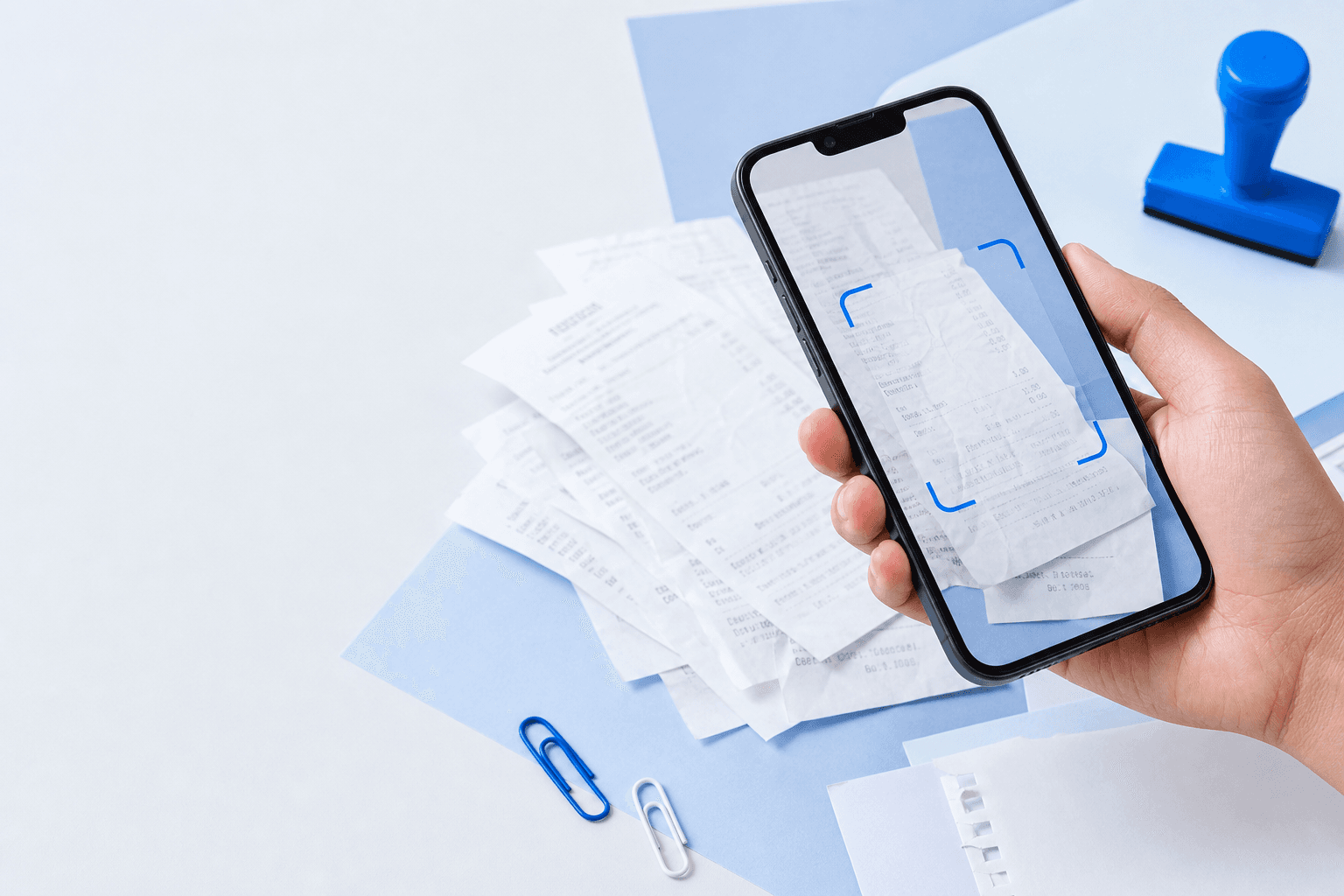
Photograph receipts with your phone or upload a batch at once. Large photos are optimized automatically.
AI Receipt Recorder, Built for Filipino Business Accounting
Snap or upload your receipts, and let AI instantly record every detail into an DateSupplier NameTINAddressSI no.DescriptionGood or ServicesExpense CategoryTotal Sales (VAT Inclusive) or Gross AmountVATEWT or Withholding TaxLess Discount (SC/PWD/NAAC/MOV/SP)Total Amount Due or Net PayableRemarksSoftcopy of Receipt, ready for your BIR filing.
Try 20 receipts for FREE!Sign up & start recording receipts faster with AI.
Manual receipt recording is holding you back. Automate data entry and speed up SLP preparation for BIR filing.
Photograph receipts with your phone or upload a batch at once. Large photos are optimized automatically.
NexxBook extracts supplier, TIN, amounts, and VAT details into an SLP-ready sheet.
Review flagged fields, then export a BIR-formatted SLP spreadsheet in one click.
Ready to try it on your own receipts?
20 receipts free
Supplier, TIN, dates, and amounts are read straight from the photo.
Every export lands on the right sheet, VAT and NONVAT kept apart automatically.
Low-confidence fields are flagged so you know exactly what to double-check.
Needs reviewRequiredNexxBook warns you before the same receipt gets recorded twice.
Snap or select a whole batch of receipts and review them together.
See it work on your paperwork.
Start FreeNexxBook tracks the receipt photos & the details per field. Easily find and edit details when needed.
 Sample
Sample extracted details · compare with the source above
Philippine Accounting Paperwork, Made Convenient
Saved receipts can be reviewed and downloaded as a Summary List of Purchases spreadsheet, with VAT and non-VAT entries routed to separate sheets. NexxBook prepares the file; it does not submit anything to the BIR.
Start free with 20 receipts. Upgrade when your volume grows. No setup fees, no lock-in.
JPEG, PNG, WebP, HEIC, and PDF files are supported.
No. NexxBook prepares an SLP export for you to review and use in your filing workflow.
Yes. Extracted fields stay editable in the batch table and record view.
Yes. Batch size depends on your plan. Large photos are optimized automatically before upload.